
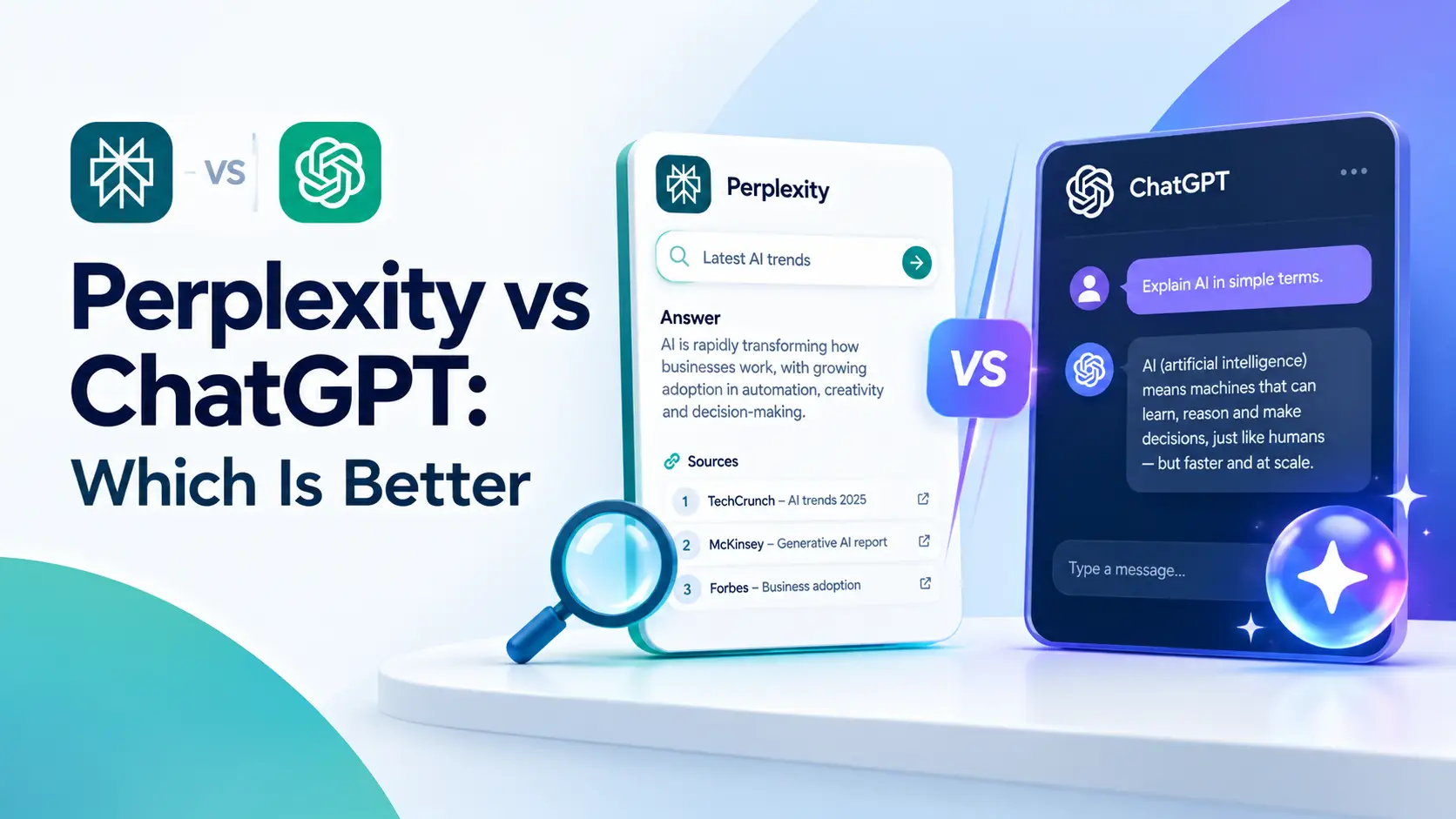
If you are choosing between Perplexity and ChatGPT, the short answer is that they are built for different jobs. Perplexity is an answer engine that searches the web and shows its sources. ChatGPT is a general assistant that writes, codes, analyzes files, makes images and can also search. Many people end up using both.
This comparison of Perplexity vs ChatGPT covers features, web search, accuracy, pricing and the tasks each one handles best. Plans and models change often, so the prices and limits below were checked against the vendors' pages and other sources in October 2026. Confirm them before you pay.
Perplexity vs ChatGPT: Which One Should You Choose?
Perplexity vs ChatGPT is mostly a question of what you do most. Choose Perplexity if your day is full of questions that need current facts and visible sources. Choose ChatGPT if you want one assistant for writing, coding, files, images and long back-and-forth work.
In practice:
- Pick Perplexity for quick research, fact checking, comparing products, and getting a cited summary of a topic.
- Pick ChatGPT for drafting, editing, brainstorming, coding, data work and creative projects.
- Pick both if research feeds your writing or analysis. A subscription to one plus the free plan of the other is a sensible starting point.
What Are Perplexity AI and ChatGPT?
Perplexity is built around search. You ask a question, it looks across the web, and it writes an answer with numbered citations you can click. Its paid plans let you pick from several third-party AI models for a question, and it has a research mode for longer investigations plus a browser called Comet. The model lineup changes, so check the selector in your account.
ChatGPT is OpenAI's assistant. It started as a chatbot and now includes web search, deep research for multi-step questions, file uploads, image creation and editing, voice, memory and coding tools through Codex. Search is one feature among many.
The difference shows up in how they handle sources and how far they go beyond answering a question.
Perplexity vs ChatGPT: Quick Comparison Table
| Area | Perplexity | ChatGPT |
|---|---|---|
| Core idea | Answer engine with cited sources | General AI assistant with search |
| Web search | Central to every answer | Available, used when needed or requested |
| Citations | Shown by default | Shown for search and research answers |
| Deep research | Research mode, limited on free | Deep research, limited by plan |
| Writing and creative work | Capable, less of a focus | Strong, a core use |
| Coding | Documentation lookups with sources | Codex and coding tools across plans |
| Image creation | Paid plans | Limited on Free, more on paid plans |
| Model choice | Several third-party models on paid plans | OpenAI models, depending on plan |
| Free plan | Yes, with small search limits | Yes, with usage limits |
| Typical paid price | Pro about $20 a month | Plus $20 a month |
Limits shift often, so treat the table as a summary and the official pages as the final word.
Key Differences in Features, Web Search and Citations
Web search and citations
Perplexity treats every question as a search. The answer arrives with numbered sources, so you can see where a claim came from and open the page. It works well as a first stop for research questions.
ChatGPT can search the web too, and its search and deep research answers include source links. OpenAI's help pages describe deep research as a flow where you state the outcome, review a plan before it starts and can redirect it while it runs. When ChatGPT answers from its own training without searching, there may be no sources at all, so it helps to ask it to search when freshness matters.
Research mode
Both tools offer a deeper mode for questions that need many sources and a longer report.
- Perplexity's Research mode runs multi-step searches and produces a report with citations. On the free plan, Perplexity's help center lists one research query a month.
- ChatGPT's deep research takes a goal, shows a research plan and returns a report with sources. Availability and limits depend on your plan.
For a literature scan, a market overview or a product comparison, either one can save hours.
Models
Perplexity's paid plans let you choose among models from different providers for a query, and its Best mode picks one for you. That helps if you like comparing how different models handle the same question.
ChatGPT gives you OpenAI's own models, and which ones you can use depends on the plan. OpenAI's pricing pages list newer models on paid tiers, and the names change often. Look at the model picker in your own account instead of relying on a list from any article, including this one.
Browsing and agents
Perplexity offers Comet, a browser with an assistant built in, for tasks that involve working across web pages. ChatGPT has its own browsing and task tools, and OpenAI's help pages now point longer multi-step jobs to ChatGPT Work. Availability varies by plan and rollout, so these features are worth checking in your account before you plan a workflow around them.
Perplexity's pricing page also promotes Computer, which it describes as a way to hand off projects and get finished deliverables. Pro and Max include more Computer usage, and Max has the most. Since it is new and its allowances are tied to credits, read the plan details before you count on it.
Writing, Brainstorming, Coding and Data Analysis
Writing and brainstorming
ChatGPT is the more natural choice for drafts, rewrites, outlines, emails and brainstorming. It holds a long conversation well, keeps a tone you set, and offers memory and projects to keep related work together. If you want help getting started with everyday uses, our guide to practical AI uses for daily life and work has prompts that work in ChatGPT.
Perplexity can write too, especially when your draft depends on fresh facts. Its strength is gathering and summarizing what is already out there, so it fits fact-heavy pieces better than creative ones.
Coding
ChatGPT has the clearer advantage here. Codex is listed on OpenAI's pricing page across plans, including Free, with usage limits that grow on paid tiers. Plus and higher plans add Codex on the web, in the command line, in IDE extensions and on iOS. Perplexity can answer documentation questions with sources, which helps when you need to look up an API. For a broader look at the field, see our comparison of the best AI coding assistants.
Data analysis and files
ChatGPT supports file uploads and can work through spreadsheets and documents, with limits that depend on your plan. Perplexity accepts file uploads as well, but on the free plan Perplexity's help center describes uploads as limited. If your work involves cleaning data, building charts or reasoning over a long document, ChatGPT is the safer pick.
Images
ChatGPT includes limited image creation on its free plan and more on paid plans, while Perplexity lists image generation on its paid plans. If images are a big part of your work, our roundup of the best AI image generators is a better starting point.
Accuracy, Source Transparency and Limitations
Citations make Perplexity easier to check, but a citation is not proof. The Tow Center for Digital Journalism at Columbia published a study in March 2025 that tested AI search tools on identifying the source of news quotes. It found that the tools failed more than 60 percent of the time overall, and that Perplexity had the lowest error rate among those tested at 37 percent. The study also found that paid versions did not do better than free ones, and that the tools often gave confident answers when they were wrong. You can read the findings in the Columbia Journalism Review write-up.
That study tested one narrow task, and tools have changed since. Even so, the lesson applies to both products:
- Open the cited page for any fact you plan to rely on.
- Check that the source actually says what the answer claims.
- Be careful with dates, numbers, quotes and legal or medical topics.
- Ask for the source when ChatGPT gives you a claim without one.
Any AI assistant can make mistakes, so verify anything important before you act on it.
Perplexity vs ChatGPT Pricing
Prices below come from official Perplexity and OpenAI pages as of October 2026. Both companies change plans and limits often, and regional prices and taxes can differ.
| Plan | Perplexity | ChatGPT |
|---|---|---|
| Free | $0, citations in every answer, basic AI models and limited daily usage | $0, unlimited text chats with limits on uploads, images, voice and deep research |
| Entry paid | Not offered | Go, $8 a month |
| Standard paid | Pro, $17 a month billed annually (about $20 billed monthly) | Plus, $20 a month |
| Premium | Max, $167 a month billed annually (about $200 billed monthly) | Pro, from $100 a month, with tiers listed at $100, $200 and $500 |
| Teams and business | Enterprise Pro from $40 per seat a month | Business, $20 per user a month billed annually |
A few notes on the numbers:
- Perplexity's pricing page says its Pro plan adds deep research, a choice between AI models and more usage and memory, and Max adds the highest limits and priority access to new features. Its help center says the free plan includes 3 Pro Searches a day and 1 research query a month, while paid plans use weekly and monthly limits that depend on your usage.
- OpenAI's plan page says ChatGPT Go may include ads. Check the current terms for your region before you choose a plan.
- OpenAI has paused new sign-ups for one of its Pro tiers at times. Look at the pricing page for what is open right now.
- Perplexity also lists an Education Pro plan at $10 a month for verified students.
If you only need occasional research, the free plans may cover you. If you use either tool every day, compare the plan limits against your real habits before upgrading. Higher tiers mostly raise usage allowances, so pay for the top plans only if you keep hitting limits.
Pros and Cons
Perplexity
Pros:
- Sources appear with every answer, which makes checking quicker.
- Search-first design suits research and fact finding.
- Paid plans let you pick among models from several providers.
Cons:
- Weaker for long creative writing and complex file work.
- Free plan limits are small.
- Citations can still be wrong or misleading, so verification is needed.
ChatGPT
Pros:
- One tool for writing, coding, files, images, voice and research.
- Strong for long conversations, drafting and editing.
- A wider range of features across its plans.
Cons:
- Answers without searching may have no sources.
- Plan names, models and limits change often, which makes it harder to know what you have.
- The top plans are expensive.
Best Choice by Use Case
Students
ChatGPT helps with explaining concepts, outlining essays and practicing for exams. Perplexity helps find and summarize sources for a paper. Either way, check your school's AI policy and verify facts yourself. Our list of the best AI tools for students covers more options, and Perplexity's Education Pro plan may suit students who qualify.
Researchers and analysts
Perplexity is a good first pass for finding sources and summarizing a field. ChatGPT's deep research and file analysis help once you have material to work through. Always read the key sources yourself.
Content creators and writers
Use Perplexity to gather facts, statistics and background with links. Use ChatGPT to turn that into drafts, headlines and variations. Verify every statistic before you publish it.
Developers
ChatGPT, with Codex and its coding tools, is the stronger daily companion. Perplexity is handy for looking up documentation, error messages and library comparisons with sources.
Business professionals
ChatGPT suits drafting, summarizing meetings and building documents. Perplexity suits market checks, competitor research and quick briefings before a call. Teams should review the Business and Enterprise options of both, since data handling rules may differ from consumer plans.
A Quick Way to Decide
Answer these four questions and the choice usually becomes clear.
- Do you need to see where each fact came from? If yes, start with Perplexity.
- Do you spend more time creating something (a draft, a script, a spreadsheet) than looking things up? If yes, start with ChatGPT.
- Do you write code every week? ChatGPT gives you more to work with.
- Is your budget tight? Use both free plans for a couple of weeks, note which limits you hit first, and upgrade only that one.
Can You Use Perplexity and ChatGPT Together?
Yes, and it is a common setup. A simple workflow looks like this:
- Ask Perplexity for a cited overview of the topic and open the best sources.
- Copy the facts you trust into ChatGPT.
- Ask ChatGPT to outline, draft or analyze using those facts.
- Fact check the final version against the original sources.
This keeps research and creation separate, which reduces the chance of an unsourced claim slipping into your work. If you want to extend this into repeatable routines, our guide to AI agents explained shows where the tools are heading.
Verdict
In the Perplexity vs ChatGPT choice, Perplexity is the easier tool to check for research and fact finding. For writing, coding, files and general work, ChatGPT does more in one place. If you can only pick one, choose by your main task. If you can afford two, use Perplexity to find the facts and ChatGPT to put them to work.
Whichever you choose, verify the facts that matter before you rely on them.
Frequently Asked Questions
1. Is Perplexity AI better than ChatGPT? It depends on the task. Perplexity is better for quick, cited research. ChatGPT is better for writing, coding, files and long conversations. Many people use both rather than choosing one.
2. Is Perplexity more accurate than ChatGPT? Not reliably. A March 2025 Tow Center study found Perplexity had the lowest error rate among the AI search tools it tested, but still got 37 percent of its citation tasks wrong. Always open the sources and verify.
3. Is Perplexity free? Yes. Perplexity has a free plan with search and small limits on Pro Searches and research queries. Paid plans raise those limits and add more features.
4. Is ChatGPT free? Yes. ChatGPT's free plan offers unlimited text chats, with limits on uploads, image creation, voice chats and deep research. Paid plans raise those limits and add features such as projects, scheduled tasks and custom GPTs.
5. Which is better for research, Perplexity or ChatGPT? Perplexity is easier for fast research because every answer shows its sources. ChatGPT's deep research is good for longer reports. Whichever you use, read the key sources yourself.
6. Which is better for coding? ChatGPT. It offers Codex and coding tools across its plans. Perplexity is useful for looking up documentation and errors with sources.
7. Which is cheaper, Perplexity Pro or ChatGPT Plus? They are priced about the same, at around $20 a month. Perplexity Pro is $17 a month when billed annually. Prices change, so check the official pages.
8. Can I use Perplexity and ChatGPT together? Yes. Use Perplexity to find and read sources, then use ChatGPT to draft, analyze or organize what you learned. Verify the facts before publishing.
Prices, plans and limits in this article come from the official Perplexity and OpenAI pricing pages and were last checked in October 2026.