
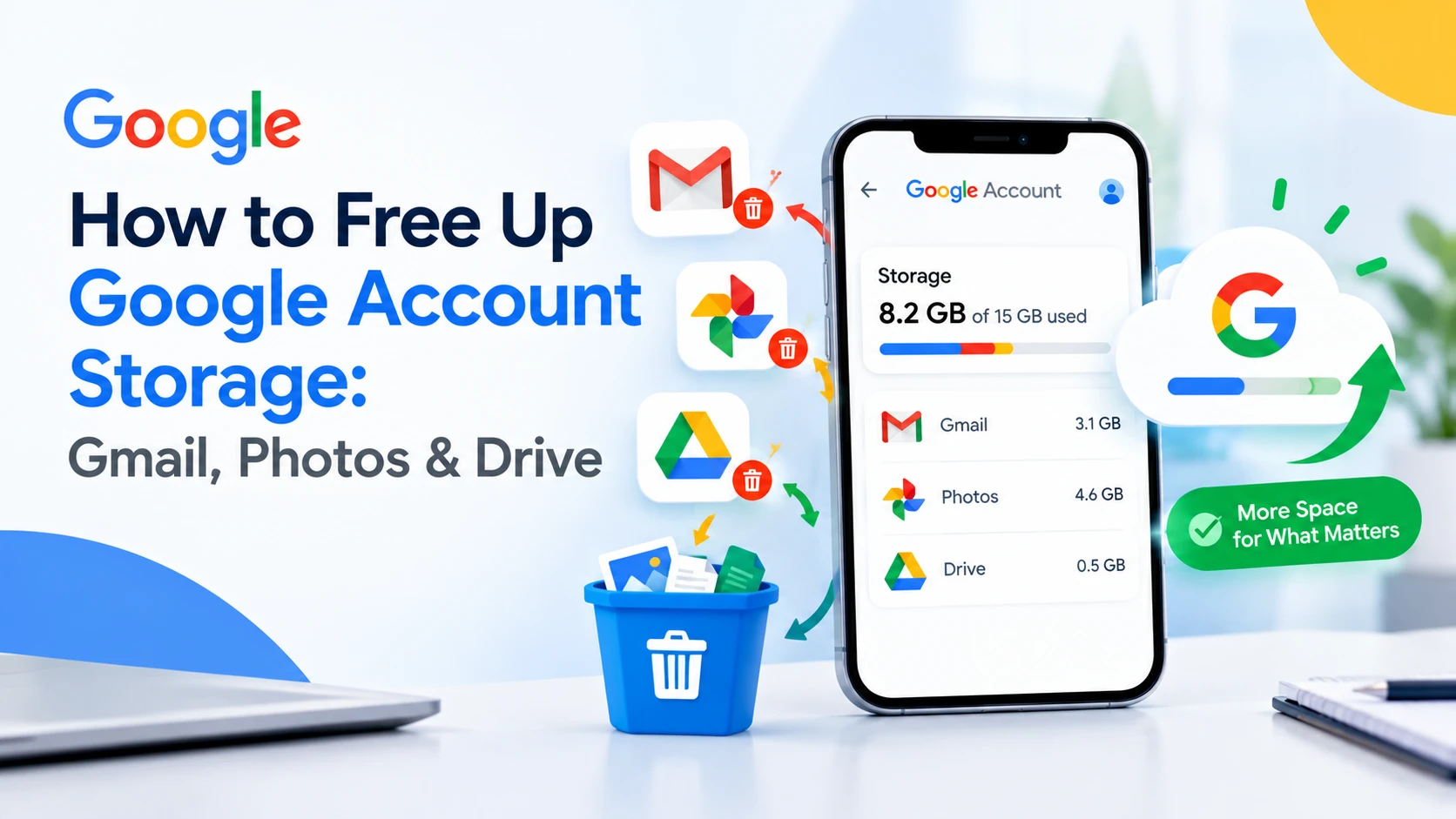
Few things are more annoying than seeing "Google storage full" on your screen, especially when it blocks new emails, stops your photo backup, or halts file uploads. The good news is that most people can get more Google storage without paying anything. You just need to know where the space is actually going.
This guide shows how to free up Google account storage step by step. We'll check what is using your space, then clear it out of Gmail, Google Photos and Google Drive, and finish with what to do if you still need more room.
1. Why Your Google Storage Is Full
Every Google Account comes with 15 GB of free storage, and that space is shared. Gmail, Google Photos, Google Drive and your phone backups all draw from the same pool, so a few large videos in Photos can leave you with no room for new emails.
Once your phone is signed in to your Google Account, a lot of data is saved to Google's cloud automatically. That includes photos, device backups, app data and attachments. Most people never look at it again, which is why storage runs out without any obvious reason.
The fastest way to see the damage is Google's storage page, which shows how much each service is using. Check it first so you know where to focus.
2. How to Check What Is Using Your Google Storage
- Open one.google.com/storage in your browser and sign in.
- Look at the breakdown by service: Gmail, Google Photos and Google Drive.
- Tap the Free up account storage option if you see it. Google lists large files, blurry photos, screenshots and other clutter you can clear in a few taps.
Whichever service takes up the most space is where you should start. For most people, that is Google Photos or Gmail.
3. How to Fix Gmail Storage Full
This is how to free up Gmail storage in about ten minutes, starting with the clutter you never read.
Gmail fills up slowly because of promotions, notifications and old attachments. Cleaning it takes about ten minutes.
Unsubscribe from emails you never read
Gmail sorts incoming mail into tabs such as Promotions, Social and Updates. Most of what lands there is marketing, alerts and reminders from services you signed up for years ago. Open a few of these emails and unsubscribe, so the clutter stops coming back.
Delete whole tabs at once
- Open the Promotions tab (then repeat for Social and Updates).
- Tick the box at the top to select all emails on the page.
- Click Select all conversations in Promotions if Gmail offers it, then press Delete.
Skim the list first. Bank alerts, receipts and travel tickets sometimes end up in these tabs.
Find emails with large attachments
Type this in the Gmail search box:
has:attachment larger:10M
Gmail will list every email with an attachment over 10 MB. Sort through the results and delete the ones you don't need. Big PDFs, image-heavy newsletters and old presentations are the usual culprits. You can change 10M to 5M or 20M to widen or narrow the search.
Empty Trash and Spam
Deleted emails stay in Trash for 30 days before Gmail removes them for good, and they still count against your storage. Open Trash and Spam, then choose Empty now to clear them straight away. Just make sure nothing important is in there first, because this cannot be undone.
4. How to Free Up Google Photos Storage
Photos are usually the biggest storage hog, especially videos. A single 4K video can take up as much space as hundreds of pictures.
Remove large files and videos
Google Photos has a built-in cleanup tool. In the app, tap your profile picture, then Photos settings, and look for the storage management option. It groups your biggest photos and videos, plus blurry shots and screenshots, so you can review and delete them in bulk.
If you want to keep a long video but not the whole thing, trim it down to the part that matters and save the shorter version.
Switch to Google Photos Storage saver
Original quality keeps every pixel but uses the most space. Open Photos settings > Backup, then pick Storage saver. Google compresses new uploads, so they take up less room with only a small drop in quality that most people never notice. You can also compress photos you've already backed up from the same settings screen.
Understand what "delete" really does
This catches many people out. Deleting a picture from your phone's gallery doesn't always remove the backed-up copy in Google Photos. The cloud copy stays in your account and keeps using storage until you delete it from Google Photos itself. When you do, the item moves to Bin, and it only stops counting once the bin is emptied or Google removes it automatically after 60 days.
5. How to Fix Google Drive Storage Full
Drive fills up quietly, because files land there without you noticing. Shared PDFs, presentations, scanned documents, WhatsApp backups and old videos all add up.
- Go to drive.google.com/drive/quota. This lists your files from largest to smallest.
- Delete anything you no longer use, starting with the biggest items.
- Open Trash and select Empty trash to remove them permanently.
Drive also keeps files that other people shared with you in some cases, and old phone backups from devices you no longer own. Check the Backups section in Drive and remove any for phones you've replaced.
Also consider moving older files you want to keep, such as old projects or family videos, to a computer or an external hard drive. That frees up cloud space without losing anything.
6. Quick Cleanup Checklist
| Where | What to clear | Why it helps |
|---|---|---|
| Gmail | Promotions, Social and Updates tabs | Removes thousands of small emails at once |
| Gmail | Emails with attachments over 10 MB | Targets the biggest space users |
| Gmail | Trash and Spam | Deleted mail still counts until emptied |
| Google Photos | Large videos, blurry photos, screenshots | Videos are often the largest files you own |
| Google Photos | Switch to Storage saver | Shrinks future uploads |
| Google Drive | Biggest files and the trash | Frees space without opening each folder |
| Google Drive | Backups from old phones | Old device backups can be several GB |
7. When to Pay for Google One Storage
If you've cleaned everything and still run short, you have a few options.
- Upgrade with Google One. This is Google's official way to buy more storage. Plans start at 100 GB, with larger tiers available. Check Google's own page for current prices in your country, because they change.
- Use a second account for specific things. Some people keep photos in one Google Account and email in another. It works, but it makes your files harder to manage, so use it only if you're comfortable with that.
- Move files elsewhere. Keep old photos, videos and documents on a hard drive or another cloud service, and keep Google for the things you use daily.
Be careful with websites that promise "free unlimited Google storage". Google doesn't offer it, and some of those sites ask for your account details.
8. How to Avoid Running Out of Storage Again
- Check your storage every few months. A two-minute look at the storage page stops problems before the warning appears.
- Clear Google storage on a schedule. Set a reminder to review the storage page every few months.
- Turn on Storage saver for new photos and videos so uploads stay smaller.
- Unsubscribe as you go. When a promotional email arrives that you don't want, unsubscribe right away instead of deleting it again and again.
- Clear the trash after deleting. Deleted items hold on to your space until the trash is emptied or the retention period ends.
- Protect your account. You rely on this account for email, photos and files. A password manager helps you keep a strong password so you don't lose access to everything stored there.
Frequently Asked Questions
Why is my Google storage full after deleting? Deleted files and emails keep counting until you empty Trash and Bin. Photos you removed from your phone may also still be backed up in Google Photos, and old device backups in Drive can hold several gigabytes. Empty each trash, then check the storage page again.
Why is my Gmail storage full when I have nothing to delete? Your 15 GB is shared, so the space may be used by Google Photos or Drive, not email. Open the storage page to see the split. Large attachments, Spam and Trash also count, so search for big attachments and empty both folders.
Why is my Google storage full when I barely use my email? Your 15 GB is shared between Gmail, Google Photos and Google Drive. Photos and videos backed up from your phone are usually the biggest cause, followed by large email attachments and old Drive files.
Does deleting photos from my phone free up Google storage? Not always. If the photo has been backed up, the copy in Google Photos stays in your account until you delete it there too. Items in Bin also keep counting until the bin is emptied or Google clears them.
How do I get more Google storage for free? Clear large files from Gmail, Google Photos and Google Drive, empty Trash and Spam, and switch Photos to Storage saver. These steps usually recover several gigabytes without paying for a plan.
Do emails in the Trash use storage? Yes. Deleted emails stay in Trash for 30 days and still count toward your total. Empty the Trash to free the space immediately.
How do I find large emails in Gmail? Type has:attachment larger:10M in the Gmail search bar. Gmail lists every email with an attachment over 10 MB, so you can delete the ones you don't need.
Is Google One worth it? If you've cleaned up and still need space, it's the simplest option. Plans start at 100 GB, and the storage is shared across Gmail, Photos and Drive. Check current pricing on Google's website before you decide.
Can I get more storage by creating another Google account? You can, because each account has its own 15 GB. It makes managing files harder, though, and it doesn't increase the space on your main account.
If you use WhatsApp, your chat backups may also be taking up Drive space. Our guide on how to restore WhatsApp chats explains how those backups work.