
Why I started caring which apps actually deserve my screen time
A few months ago I did the thing where you open your weekly screen-time report on a Sunday night and feel slightly hollow about it. Eleven hours on social. Two hours on a game whose mechanics I'd be embarrassed to explain. Forty minutes on a meditation app I downloaded once and never opened again. The phone was working exactly as designed — it just wasn't designed with my interests in mind.
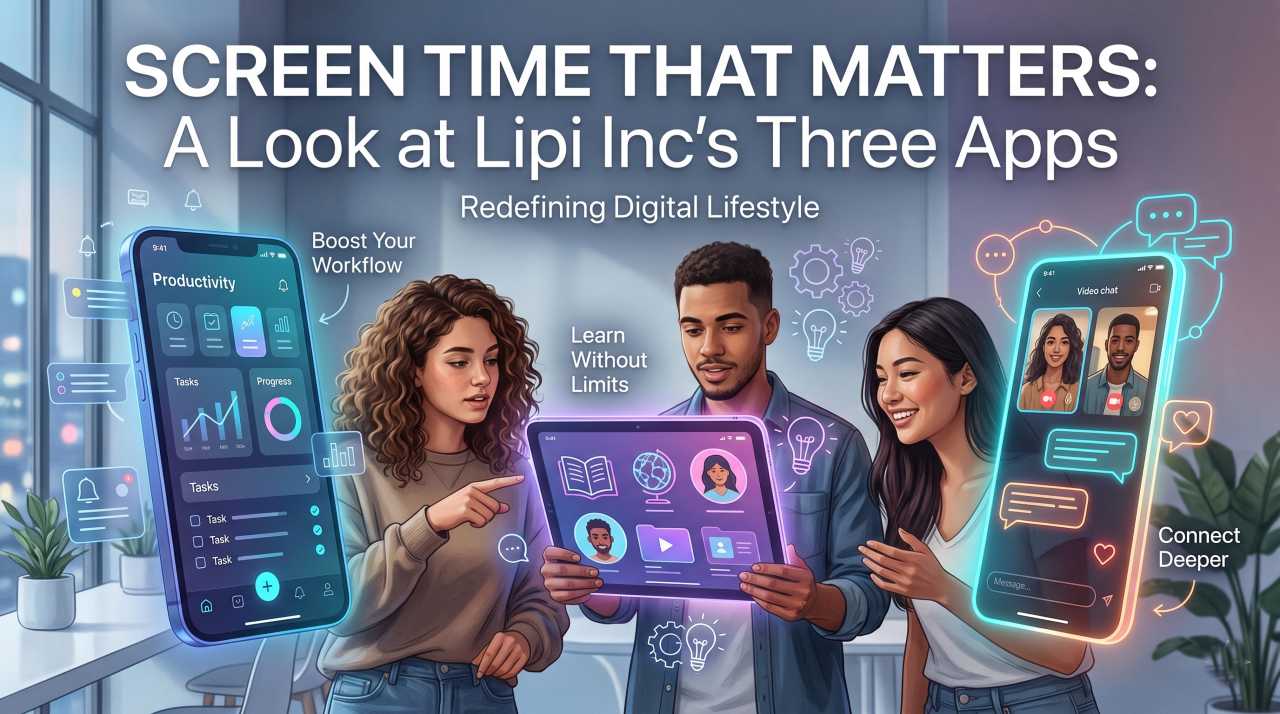
The honest fix isn't a guilt-driven detox. It's swapping out a few of the apps. Some software is built to extract your attention and resell it. Some is built to give you something back. Lipi Inc, a smaller Indian studio, falls firmly in the second camp, and their three apps make a decent case for what "intentional" software actually looks like in practice.
This is a closer look at all three: who they're for, what they do well, and where they fall short.
Lipi Kids: bilingual vocabulary for the 3-to-14 set
Best for: preschoolers, early learners, bilingual households, Telugu-speaking parents trying to keep the language alive on a phone that mostly speaks English.
The premise of Lipi Kids is simple, and the execution is the part most kids' apps get wrong. The screen shows a picture. The child hears the word in English and Telugu. They match, tap, repeat. There are 20+ categories — animals, colours, fruits, vehicles, body parts, the usual building blocks of early vocabulary. The audio is clear in both languages, and each word comes with an easy transliteration for parents who can't read Telugu script themselves but want to support their kid's pronunciation.
What earned my respect specifically:
- No ads. Not "few ads," not "occasional ads," none. For a children's app this is genuinely meaningful — most "free" kids' apps are funded by ad networks of varying quality, and the ad experience inside them is often the worst part of using a phone with a child.
- Built for actual classrooms. The app is associated with ManaBadi and aligned with the Bala Ranjani curriculum, which means it's not just a toy a parent downloaded on a whim. Teachers can create student groups and track progress, and that institutional backing tends to keep an app honest about what it's teaching.
- Real parental controls. Screen-time limits and progress reports that show what your kid actually learned, not just how long they tapped the screen.
Honest caveats: the UI is functional rather than dazzling, and the gameplay loop is best for short focused sessions rather than long stretches. That's probably the right design choice for early learners — but if your child is used to high-stimulation game apps, the first ten minutes will feel slow. Stick with it; the slowness is the point.
Lipi Epics: the Mahabharata and Ramayana, in bite-sized chapters
Best for: mythology nerds, parents who want to share these stories with their kids without handing them a 4,000-page text, anyone who's been meaning to actually learn the Mahabharata properly.
The Mahabharata has 18 Parvas, around 100,000 verses, and a cast of characters whose names would make a Russian novel jealous. Lipi Epics breaks the whole thing into chronological daily chapters and gives you four ways to consume each: short summary, full text, AI-generated video, or narrated audio. The Ramayana gets the same treatment. Everything is available in Telugu, English, or Hindi.
The audio mode is the underrated feature here. I tried it during a 30-minute commute and listened to two chapters end-to-end — closer to a podcast experience than a textbook one. Trivia quizzes after each section make sure something actually stuck, and the app issues certificates as you progress through the Parvas. Not academically meaningful, but a surprisingly effective nudge.
Where it shines:
- Cross-generational. Grandparents can use the audio mode. Kids and teenagers compete on the leaderboards. The same app works for both, which is rare — most apps optimise hard for one demographic and treat the others as afterthoughts.
- Multilingual done properly. The Telugu, English, and Hindi versions feel native rather than machine-stamped. The app cares about how the stories sound in each language, which matters more than it sounds for oral epics like these.
Where it falls short: the visual design is functional more than beautiful. A recurring critique in the Play Store reviews is that the UI feels a generation behind, and it's a fair point — the content is the strength here, not the polish. If you're choosing this app, choose it for the substance.
Brain Booster: Wordle's slightly more substantial cousin
Best for: anyone who's burned through the daily Wordle, NYT Connections, and Strands and still wants a five-minute morning brain warm-up.
Brain Booster is the newest of the three apps — currently in early access, with the studio still iterating on it. The mechanic: you get a sentence-length hint and have to guess the hidden word, with categories spanning General Knowledge, Culture, Movies, and Mythology. Less "find the five-letter word with no clue" and more "deduce the answer from a logical clue."
The thing it gets right is what I'd call a soft timer. Most puzzle games either pressure you with an aggressive countdown (anxiety-inducing) or give you all day (boring). Brain Booster sits somewhere in between — enough urgency to keep your attention, not enough to make a coffee-break game feel like an exam.
Things to know up front:
- It's early access. Some categories are thinly populated; new content is being added regularly. If you bounce off it in week one, give it another month.
- It contains ads. Unlike Lipi Kids, this one is ad-supported. The ads aren't aggressive in my experience, but it's worth flagging since the studio's other app is famously ad-free.
- Fully offline. Works on planes, in the metro, and in the parts of your house where the wifi inexplicably dies.
The pattern across all three
Three apps from one studio that each do something different, but they share a philosophy worth naming. Each one is built to give you something — a word your kid didn't know yesterday, a chapter of the Mahabharata you'd been meaning to learn, five minutes of actual thinking — rather than extract something (your attention, your data, your time).
On the data point specifically: the studio's stated policy across all three apps is no data sharing with third parties, and encryption in transit. That's a low bar most apps fail anyway, and it's worth giving credit for clearing it. The Play Store data sections back this up at the time of writing — though as with any app, the policy is worth checking yourself before installing, since these things change.
Who should download what
The simplest version:
| If you... | Try | Link |
|---|---|---|
| ...have kids aged 3–14 and want bilingual English/Telugu vocabulary | Lipi Kids | Play Store |
| ...want to actually learn the Mahabharata and Ramayana without committing to a 4,000-page text | Lipi Epics | Play Store |
| ...like Wordle but want something with a bit more substance | Brain Booster | Play Store |
| ...just want to browse everything the studio has built | All Lipi Inc apps | Developer page |
You can also read more about the studio's broader approach to learning through play on their website.
A small closing thought
The wider point here isn't really about these three apps. It's that "screen time" as a number doesn't tell you much. An hour spent on a slot-machine social feed and an hour spent learning a language with your kid are both sixty minutes on the phone, but they leave you in very different places by the end of the year.
The interesting question isn't how much you use your phone. It's what for. Apps like these are a small bet on the second question being more important than the first. Worth trying.